Native Mac appBuilt with Swift and SwiftUI.
Save the linksworth keeping.
Use a keyboard shortcut to save or search from any app. Every bookmark stays in a Markdown file in a folder you choose.
macOS 14+ · Apple Silicon & Intel
Files you ownEvery bookmark is a Markdown file.
Optional iCloudPut your library in an iCloud Drive folder.
No accountTry every feature for 14 days without signing up.
Save it now.
Find it when you need it.
Save a link in a few seconds. Add folders and tags when they help, or leave it alone and search for it later.
Capture without switching apps
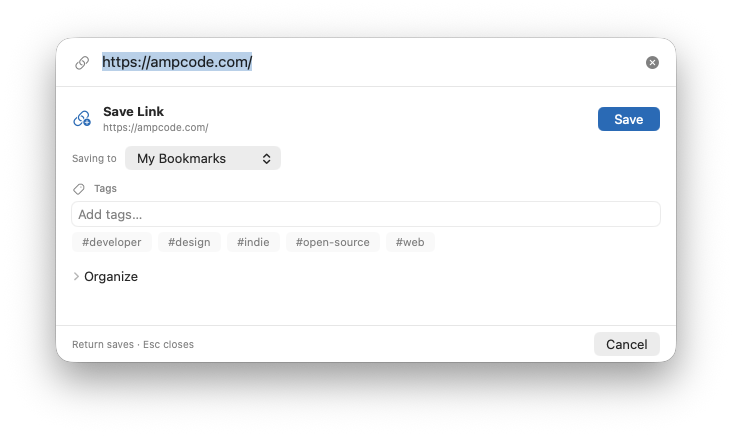
Use a keyboard shortcut to open Quick Capture over the app you are using. Save the link and get straight back to it.
Keep links organized
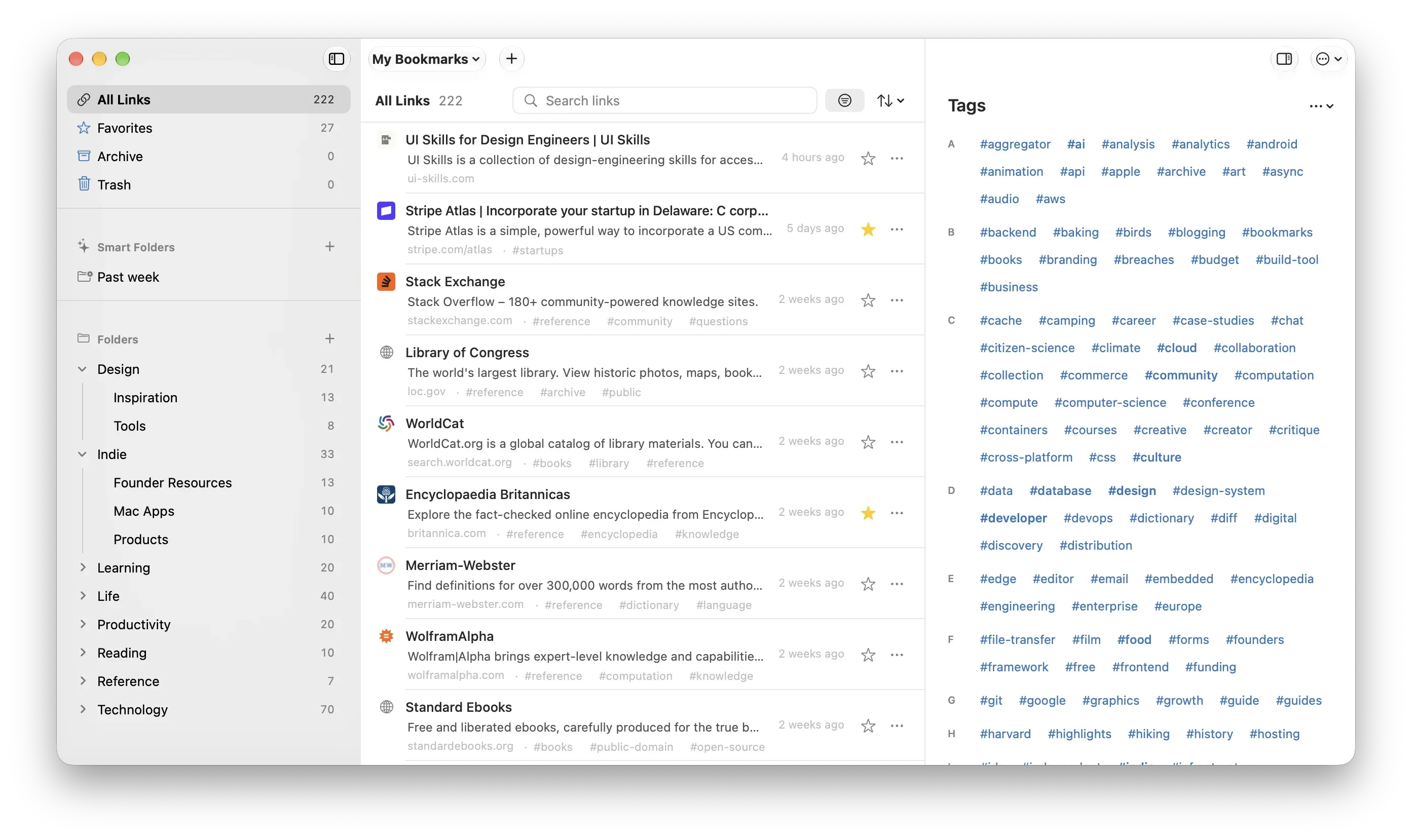
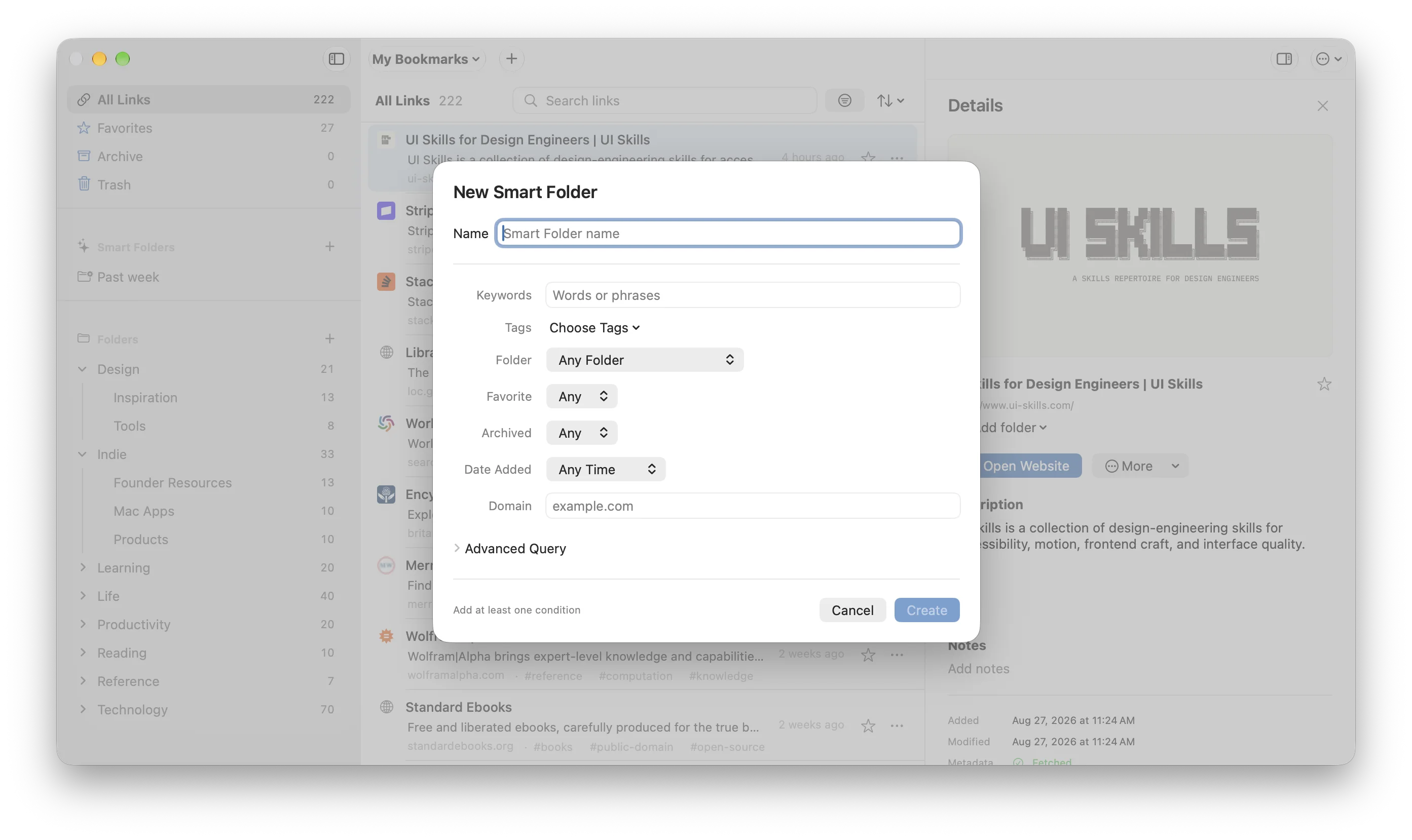
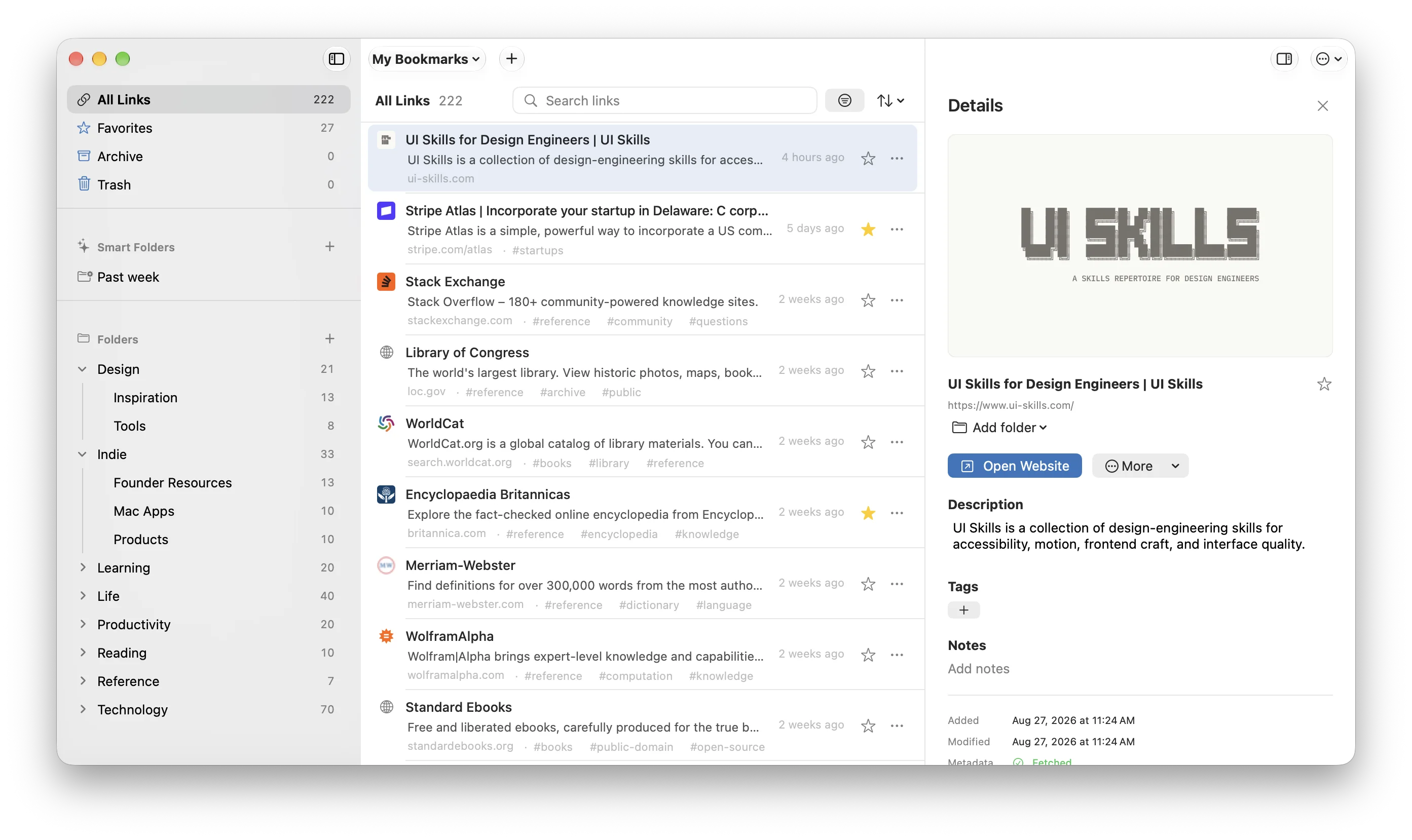
Put links in folders, add tags, mark favorites, or build Smart Folders. Use as much organization as you need.
Search without leaving your work
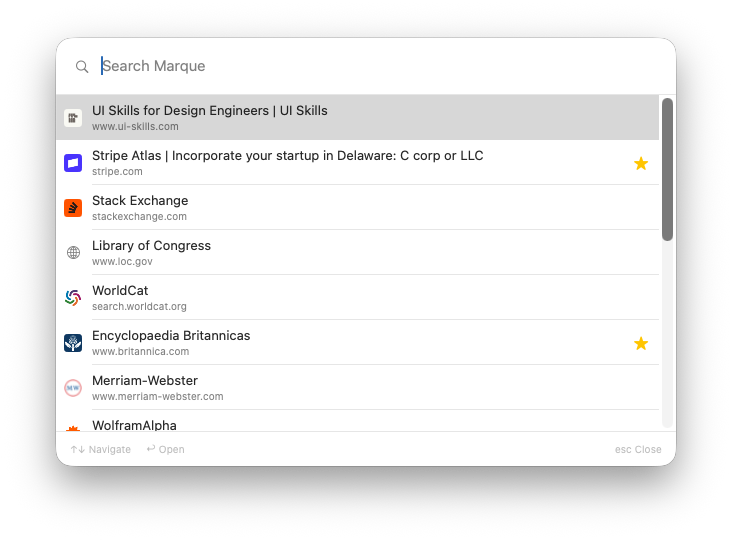
Open Search Marque with a keyboard shortcut. Find links by title, URL, description, tag, or note.
Keep the reason,
not just the URL.
Marque fetches the page title and description for you. Add notes, tags, or a folder when you want to remember why you saved it.
- Fetch titles and descriptions automatically
- Add notes, tags, and folders
- Archive links without deleting them
Find a link without
losing your place.
Search Marque opens over the app you are using, even if the main window is closed. Choose a result and press Return.
Feels at home.
Because it is.
Marque is built with Swift and SwiftUI. Quick Capture, global search, and drag and drop work the way you expect on a Mac.
Keyboard shortcutsOpen Quick Capture or Search Marque from any app.
Quick CaptureSave a link without leaving the app you are using.
Drag and dropMove links between folders with drag and drop.
Global searchFind and open saved links without leaving your current app.
iCloud DriveKeep a library in a folder that syncs through iCloud Drive.
Mac-native controlsMenus, windows, and controls behave like the rest of macOS.
Buy Marque once.
Try every feature free for 14 days. If you keep Marque, one lifetime license covers up to three personal Macs.
$19.99launch price
Regular price: $29.99
- One lifetime license
- Use on up to 3 personal Macs
- 14-day full trial
- No account needed to start
Frequently asked questions
Where does Marque keep my library?
Marque stores each bookmark as a Markdown file in a folder you choose. You can open the folder in Finder, back it up, move it, or read the files without Marque.
Can I keep a library in iCloud Drive?
Yes. Choose a folder in iCloud Drive and macOS will sync it. Marque does not use a separate sync service.
Does Marque need Accessibility permission?
No. Quick Capture and Search Marque work without Accessibility, Input Monitoring, or Screen Recording permission.
When does Marque connect to the internet?
Marque connects to a page when it fetches the title, description, favicon, or optional preview image. It also checks for app updates. Marque does not send your library to its servers.
What can I import?
You can import browser bookmark HTML, a Raindrop CSV, individual Markdown bookmarks, or an existing Marque library.
What does the lifetime license include?
A lifetime license is for one person and works on up to three Macs. Marque is $19.99 at launch and $29.99 afterward. You can try every feature free for 14 days.